How-to guide
How to share wedding photos with your guests
After the wedding, guests want the photos too. Here's how to share your whole album with everyone in one link or QR code — privately and in full quality.
1
QR code for the whole day
0
apps for guests to install
100%
original photo & video quality
60s
to set up your album
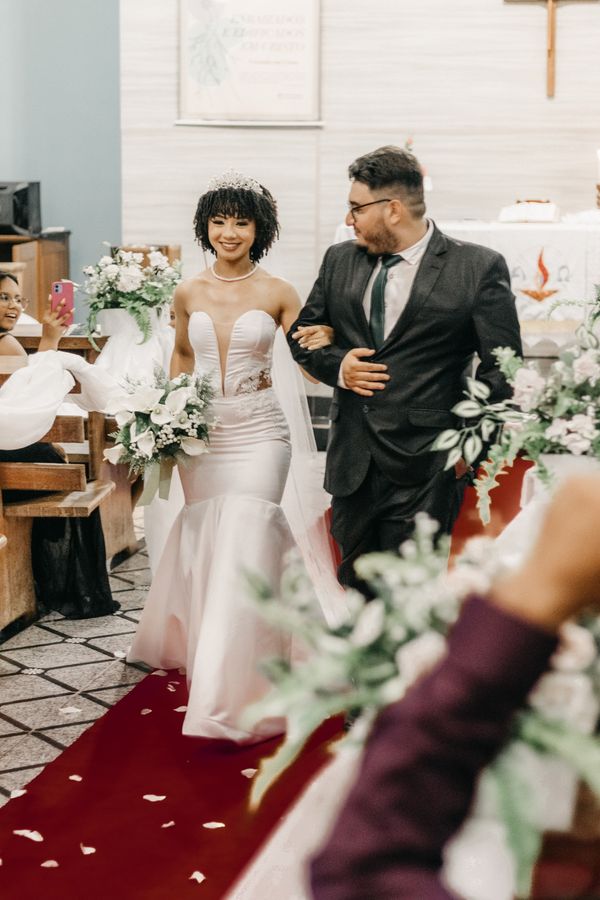
Wedding gallery
Ivy & Noah
August 22, 2025
573
Photos
88
Guests





pixwedding.com

How it works
From QR code to full album in four steps
01
Create your album
Set up your event in under a minute and PixWedding instantly generates a unique QR code linked to your private wedding album.
02
Print & place the code
Add it to a welcome sign, table cards, or your program so every guest sees it the moment they arrive.
03
Guests scan & upload
Everyone scans with their phone camera and uploads photos and videos in seconds — no app to download and no account to create.
04
Download everything
Your album fills itself in real time. Download the full-resolution originals whenever you like, and keep them forever.
How it compares
The honest trade-offs against the other ways couples collect wedding photos.
| PixWedding QR album | Wedding hashtag | Sharing app | Disposable camera | |
|---|---|---|---|---|
| No app or login for guests | — | |||
| Full-resolution photos | — | Sometimes | — | |
| Videos included | — | Sometimes | — | |
| Private album you control | — | |||
| You keep the originals | — | Sometimes | ||
| Cost | One-time | Free | Subscription | Film + developing |
What your guests see
One private album, filled by everyone
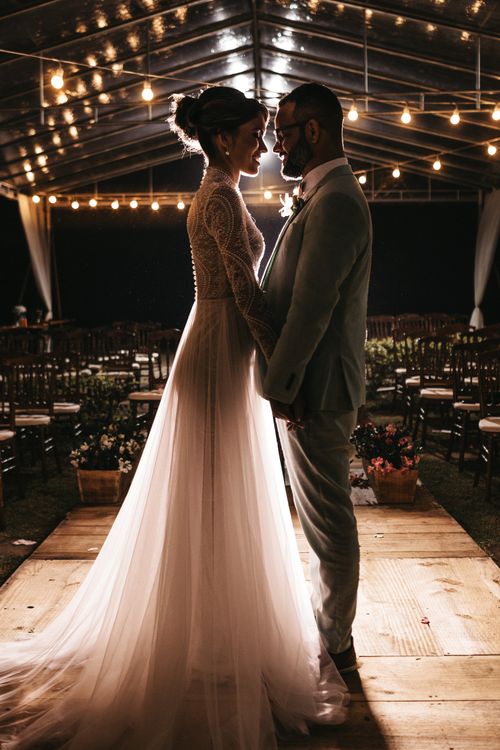
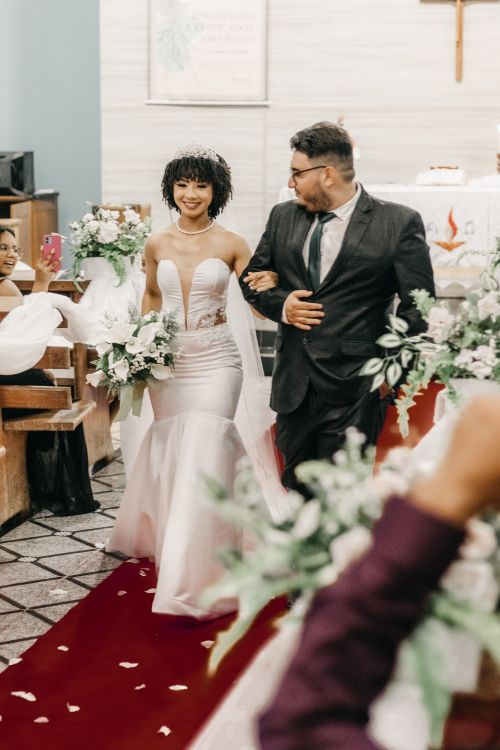
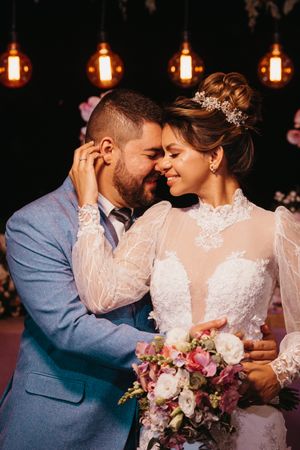
Guests scan the QR code and upload straight to your album — in full resolution, with no app and no login. You watch it fill in real time and download the originals whenever you like.





Wedding gallery
Ivy & Noah
August 22, 2025
573
Photos
88
Guests





pixwedding.com
What to know
- Share one private album link or QR code with all guests
- Let guests view and download in original resolution
- Control who can see and save — no public posts required
Why a wedding QR code gets you more photos
Your guests are already capturing the best candid moments on their phones — the toasts, the dance floor, the quiet glances your photographer can't be everywhere to catch. The problem has always been getting those photos off everyone's phones. A QR code removes every barrier: there is nothing to download, no account to make, and no link to type. Guests scan, upload, and get back to celebrating, and every photo and video lands in one private album you keep forever.
- Higher participation — guests join in because there's nothing to install
- Full-resolution photos and videos, never compressed or shrunk
- Every memory in one private place instead of scattered across phones
Frequently asked questions
What's the easiest way for guests to send photos?
A QR code. Guests scan it, pick their photos and videos, and upload — no app, no link to type, and no account. It's the method with the highest participation.
Do guests need to download an app?
No. Guests scan the QR code with their phone camera and upload through their browser — no app and no account needed, even for grandparents.
Are the photos and videos full resolution?
Yes. PixWedding keeps the original quality of every upload, so you get full-resolution files, not compressed copies.
Is the album private?
Your album is private to you and your guests. You decide who can view and download, and PixWedding never reuses your photos.
How long do guests have to upload?
The upload window stays open during the event and for months afterwards, so late photos from guests still land in your album.
Keep exploring
How to collect photos from wedding guests
Guests take hundreds of photos you never see. Here's how to collect every one of them in a single private album — without chasing anyone after the wedding.
How to get photos from guests after the wedding
The photos always trickle in late. With an upload window that stays open for months, you don't have to chase anyone — guests just keep adding to your album.
The best way to collect photos from wedding guests
After comparing every method — hashtags, drives, cameras, group chats — one wins for completeness and quality: a QR-code album guests upload to directly.
How to make a shared wedding album
A shared wedding album everyone can add to takes about a minute to set up. Here's how to create one, invite guests with a QR code, and keep it private.
How to have wedding guests upload their photos
Getting guests to upload their photos is easy when there's nothing to install. Here's the exact setup: one QR code, a private album, and uploads that land automatically.
Wedding guest book ideas, classic to modern
From timeless signing books to audio messages and photo walls, here are the guest book ideas couples love in 2026 — including the digital album guests fill themselves.
Start in 60 seconds
Collect every photo from your wedding
One QR code, every guest's photos and videos in your private album. No app to install, no account to create.
Wedding gallery
Ivy & Noah
August 22, 2025
573
Photos
88
Guests




pixwedding.com